Run your whole pipeline from your Gmail inbox
Two-way sync keeps every email on the right contact and deal automatically, so nothing gets logged by hand and nothing slips through the cracks.
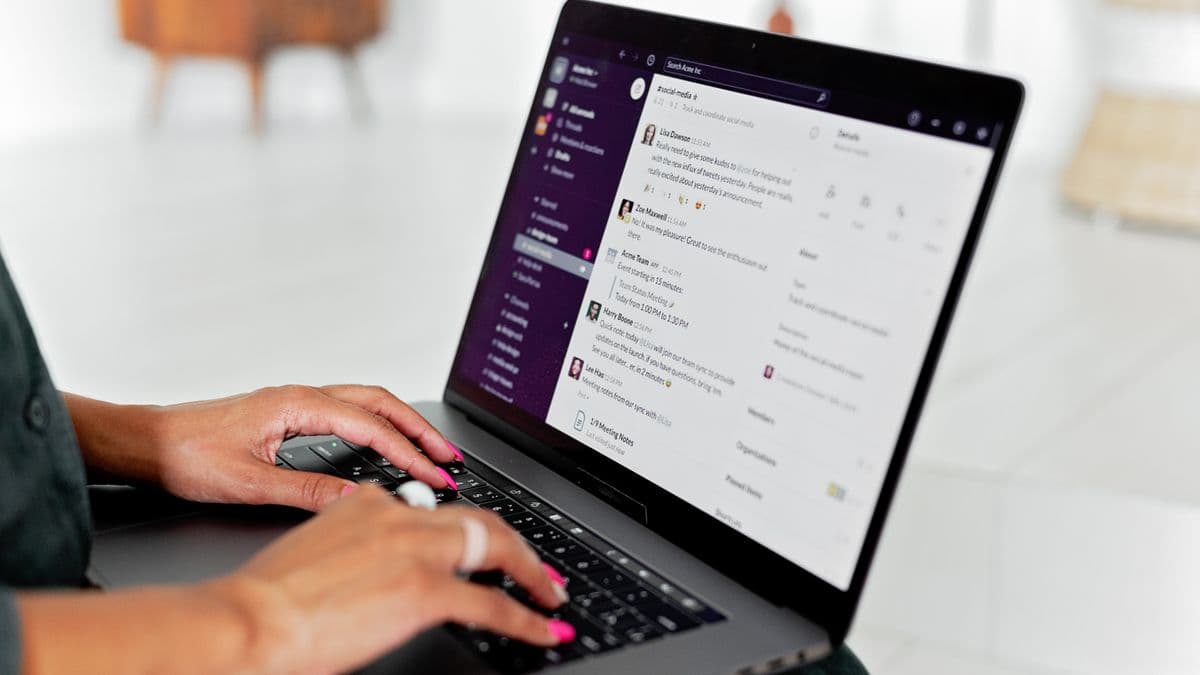
How it works
Reps live in Gmail, so that's where Leadify meets them. The integration syncs mail in both directions, logging every inbound and outbound message against the matching contact and open deal without a single copy-paste. Track opens, send from templates, and let the AI draft replies using what the CRM already knows about the account.
True two-way email sync
Messages flow between Gmail and Leadify automatically, matched to the right record every time.
- Inbound and outbound both captured
- Auto-matched to contacts and deals
- Threads stay intact in the timeline
- Works from web and mobile Gmail
Send and track from the inbox
Fire off tracked emails from a Gmail sidebar and see opens and clicks land on the record.
- Open and click tracking per message
- Send from shared CRM templates
- Schedule sends for the right time zone
- Real-time alerts when a prospect opens
AI reply drafts, grounded in the deal
One click drafts a reply that already knows the deal stage, history, and next step.
- Drafts reference the live CRM record
- Match your tone from past emails
- Suggest the next action to move the deal
- Edit before you ever hit send
Where teams use it
Built for real revenue work.
Zero-effort activity logging
Every email a rep sends or receives lands on the contact and deal timeline automatically, so managers see real activity without nagging.
Follow-up that never drops
Open tracking and AI drafts surface warm threads the moment a prospect re-engages, so reps reply while interest is highest.
Clean handoffs
When a deal changes hands, the full Gmail history is already on the record, so the new owner reads in instead of starting cold.
“Our reps stopped copying emails into the CRM overnight. It's all just there, on the right deal, and the AI drafts get us to a send in seconds.”
FAQ
Questions, answered.
How does the Gmail integration work?
You connect your Google account once via secure OAuth. From then on, Leadify syncs email in both directions, matching each message to the right contact and deal. You can send, track, and draft replies from a sidebar inside Gmail itself.
Is the sync really two-way?
Yes. Emails you send from Gmail appear in Leadify, and emails you send from Leadify appear in your Gmail sent folder. Replies from prospects are captured automatically and threaded onto the record.
Can I control which emails get logged?
You can. Personal emails stay private by default, and you can exclude specific domains or contacts. Only mail tied to CRM contacts and deals is logged unless you choose otherwise.
Do the AI drafts see my CRM data?
Yes, that's the point. Drafts are generated using the live deal record, stage, and prior conversation, so replies are relevant. You always review and edit before sending.
Turn Gmail into your CRM front line
Connect in minutes and stop logging email by hand for good.